Monday, February 23, 2015
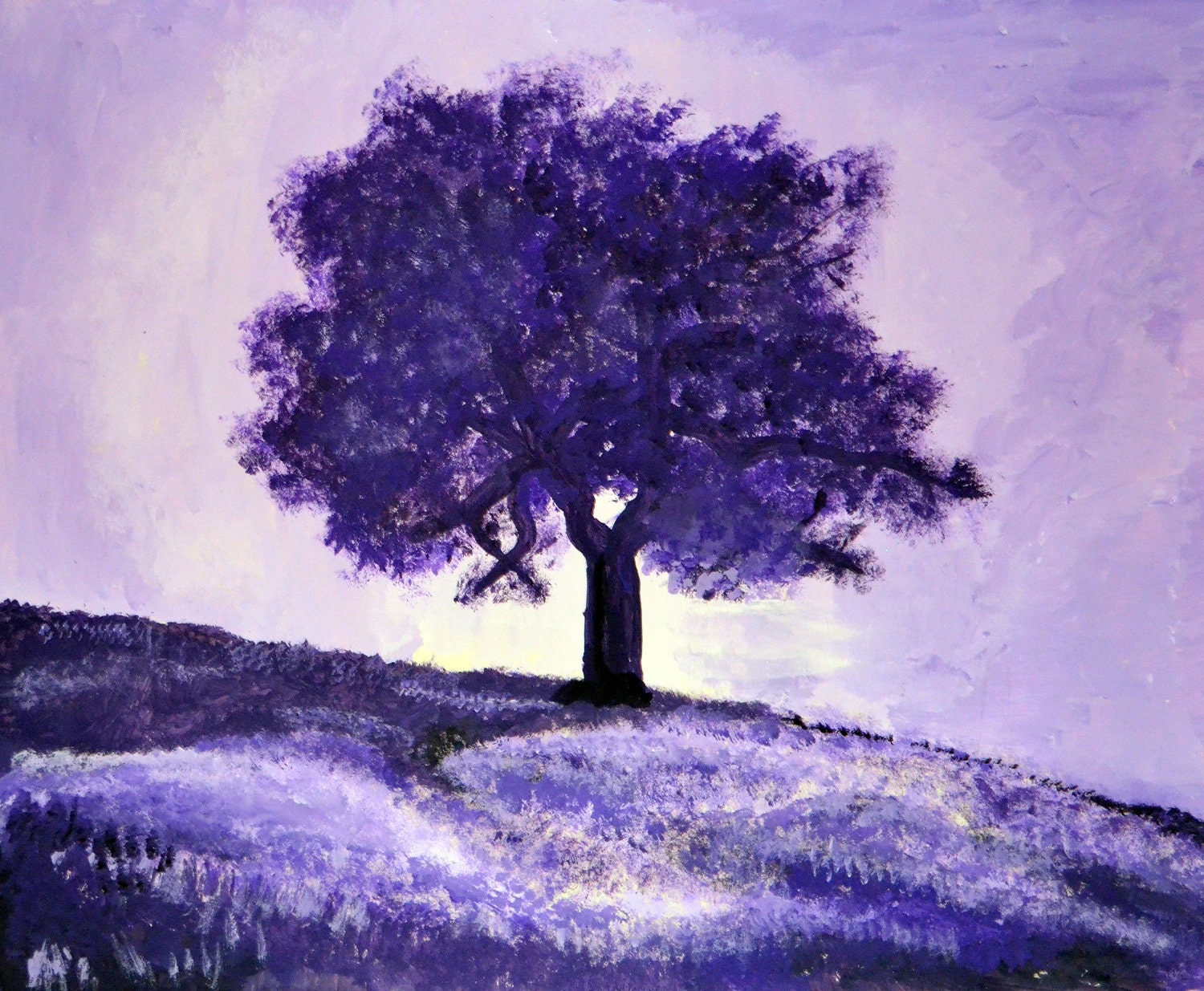
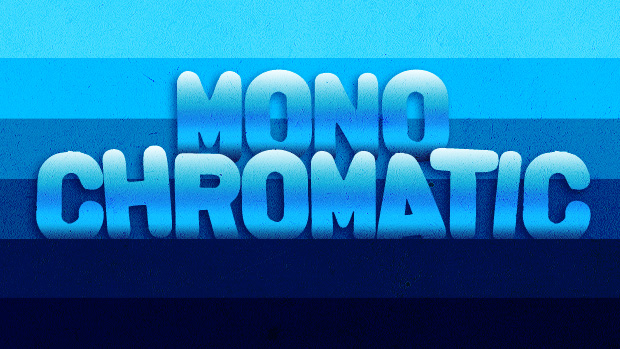
Monochromatic and Negative/Positive Space
Monochromatic: A monochromatic object or image has colors in shades of limited colors or hues.
Contrast, Emphasis, Balance, Perspective, and Proportion
Contrast (Size contrast,shape contrast, texture/color contrast) : the state of being strikingly different from something else, typically something in juxtaposition or close association.
- Emphasis: (center of interest) is an area that first attracts attention in a composition. This area is more important when compared to the other objects or elements in a composition. This can be by contrast of values, more colors, and placement in the format.
- Balance (informal balance, and formal balance)- Formal/Symmetrical balance: Each side of the vertical center of a photograph has equal weight and have similar or exactly the same shape, texture, and value contrast.Informal/Asymmetrical Balance: The objects have nearly the same "visual weight" on either side of the vertical center of the photograph composition, but are different in size, shape, texture, or value.
- Perspective: the art of drawing solid objects on a two-dimensional surface so as to give the right impression of their height, width, depth, and position in relation to each other when viewed from a particular point.
- Proportion:refers to the relative size and scale of the various elements in a design. The issue is the relationship between objects, or parts, of a whole.
- Emphasis: (center of interest) is an area that first attracts attention in a composition. This area is more important when compared to the other objects or elements in a composition. This can be by contrast of values, more colors, and placement in the format.
- Balance (informal balance, and formal balance)- Formal/Symmetrical balance: Each side of the vertical center of a photograph has equal weight and have similar or exactly the same shape, texture, and value contrast.Informal/Asymmetrical Balance: The objects have nearly the same "visual weight" on either side of the vertical center of the photograph composition, but are different in size, shape, texture, or value.
- Perspective: the art of drawing solid objects on a two-dimensional surface so as to give the right impression of their height, width, depth, and position in relation to each other when viewed from a particular point.
- Proportion:refers to the relative size and scale of the various elements in a design. The issue is the relationship between objects, or parts, of a whole.
Tuesday, February 17, 2015
Thursday, January 29, 2015
Tuesday, January 27, 2015
illustrator practice
(I) Watch Mr. Webb's demonstration and post notes to do the following on your blog:
- Creating a new canvas (document)
press Command+N to make a new canvas
3 sections of Adobe Illustrator (Toolbox [left], Menu bar [at the top], Panels [right])
PROFILE: Print, SIZE: Letter, ORIENTATION: Portait
- Interface navigation, drawing tools (Illustrator's shapes & using the Pen Tool)
Rectangle Tool (M) - makes squares and rectangles with sharp edges
Rounded rectangle tool - makes rectangles with rounded edges
Ellipse tool - draw circles and ovals
Polygon Tool - draws convex regular polygons.
Star tool - draws stars; to add more edges tap the up arrow, to remove edges tap the down arrow; to control the sharpness of the star, hold the command key while drawing the star.
Selection Tool (V)- looks like a black arrow. Use to select objects that you want to move, copy or delete.
Pen Tool (P) - draws line segments and curves
- Setting the Fill Color, and the Stroke Color
First, select your object or line.
Second, click on the fill color box to set the fill color.
OR, click on the stroke color box to set the stroke color
- Saving file formats (saving for Adobe Illustrator editing vs. Saving an image for the web)
Save for Adobe Illustrator = (.ai) <<Can ONLY be opened in Illustrator.
Save for the Internet/Your blog = (.jpeg, .gif, .png) << Can be uploaded to your blog.
- Creating a new canvas (document)
press Command+N to make a new canvas
3 sections of Adobe Illustrator (Toolbox [left], Menu bar [at the top], Panels [right])
PROFILE: Print, SIZE: Letter, ORIENTATION: Portait
- Interface navigation, drawing tools (Illustrator's shapes & using the Pen Tool)
Rectangle Tool (M) - makes squares and rectangles with sharp edges
Rounded rectangle tool - makes rectangles with rounded edges
Ellipse tool - draw circles and ovals
Polygon Tool - draws convex regular polygons.
Star tool - draws stars; to add more edges tap the up arrow, to remove edges tap the down arrow; to control the sharpness of the star, hold the command key while drawing the star.
Selection Tool (V)- looks like a black arrow. Use to select objects that you want to move, copy or delete.
Pen Tool (P) - draws line segments and curves
- Setting the Fill Color, and the Stroke Color
First, select your object or line.
Second, click on the fill color box to set the fill color.
OR, click on the stroke color box to set the stroke color
- Saving file formats (saving for Adobe Illustrator editing vs. Saving an image for the web)
Save for Adobe Illustrator = (.ai) <<Can ONLY be opened in Illustrator.
Save for the Internet/Your blog = (.jpeg, .gif, .png) << Can be uploaded to your blog.
Subscribe to:
Posts (Atom)


